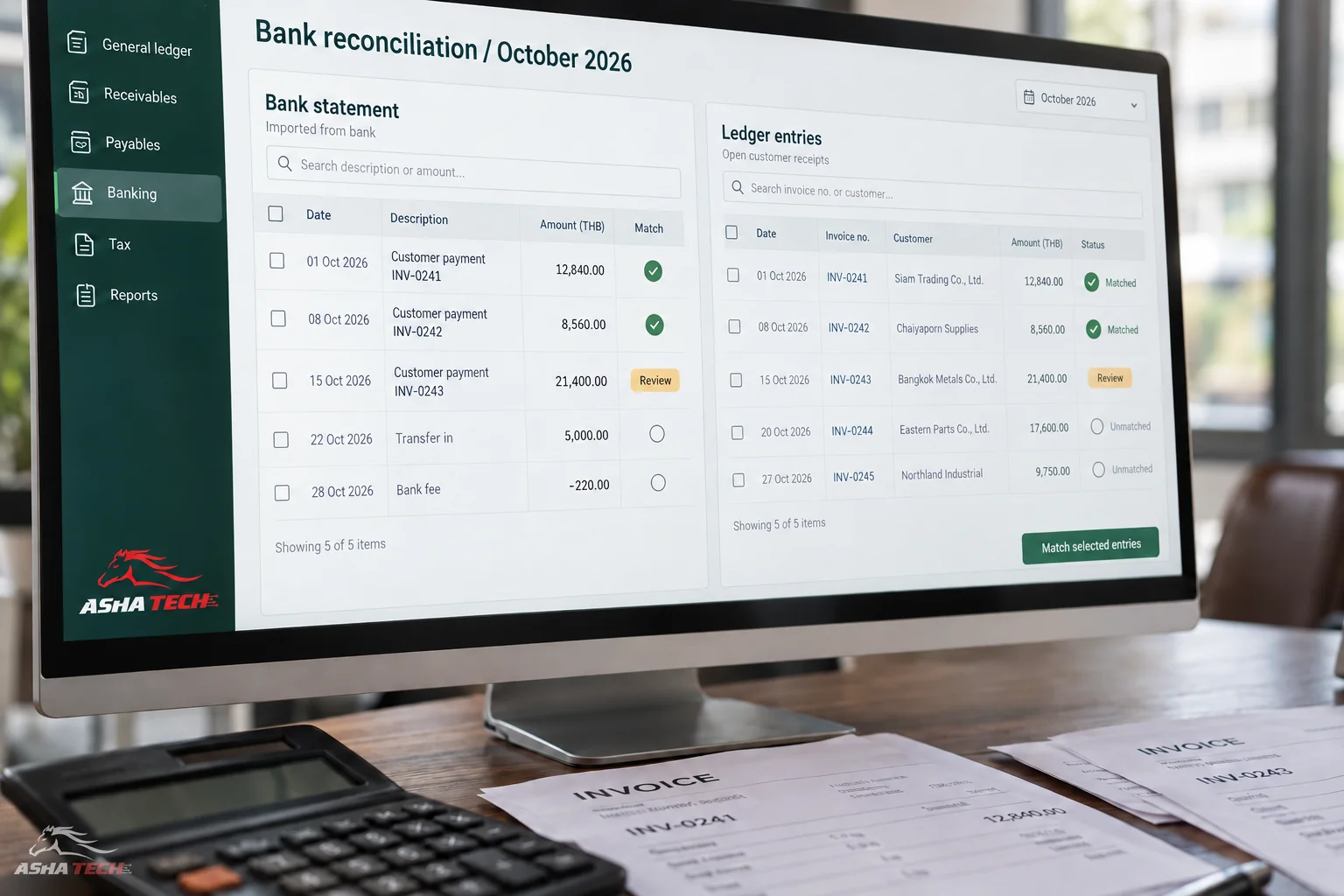
Connect transactions and references so sales, stock and payments can be traced. Define which event changes which balance.
Teams may define “sales” differently: orders for sales staff, dispatched goods for the warehouse, and documents or receipts for accounting. Comparing totals without understanding the stage can create false discrepancies.
Agree on definitions and document flows before integration, so everyone knows when a number arises and who checks it.
Follow one order through its entire journey
Start with a sales order, then reservation, dispatch, billing and payment. The sequence varies by business; sales, warehouse and accounting should review it together.
| Step | Shared information | What to check |
|---|---|---|
| Receive an order | Customer, product, price and delivery date | Confirmation status and credit terms |
| Prepare & dispatch | Reserved and actually shipped quantities | Warehouse, lot and delivery documents |
| Issue documents | Items to be billed | References and cancellations |
| Receive payment | Which document was paid and how much | Outstanding balance and payment evidence |
Common problems when teams use separate files
Changes and cancellations often cause divergence: sales changes quantities while the warehouse sees old data, or partial payment reaches accounting but not the debt-follow-up team.
- Duplicate order entry creates mismatched product codes.
- Goods have shipped but billing documents are incomplete.
- Payment is received but the status remains outstanding.
- Returns happen without notifying the relevant teams.
Send more than a total
Include source document numbers, product lines, dates and statuses so every amount can be explained.
Agree how amendments are canceled, reversed or reissued, who may act and whether approval is required. Confirm accounting rules with your accounting owners.
Prepare data before integrating
Check products, units, customers, suppliers, warehouses and cross-system codes. Faster transfers can spread problems faster if codes are duplicated or mean different things.
- Identify data owners and change approvers.
- Agree which events affect inventory and accounting.
- Prepare outstanding items before go-live.
- Provide checks for differences and failed transfers.
Test situations your team actually encounters
Test normal sales, partial delivery, returns, cancellations and partial payment, checking documents and related balances.
Have each team verify the whole journey before use. Accounting reports should be reviewed by the responsible accounting staff before official use.