Fast checkout interface
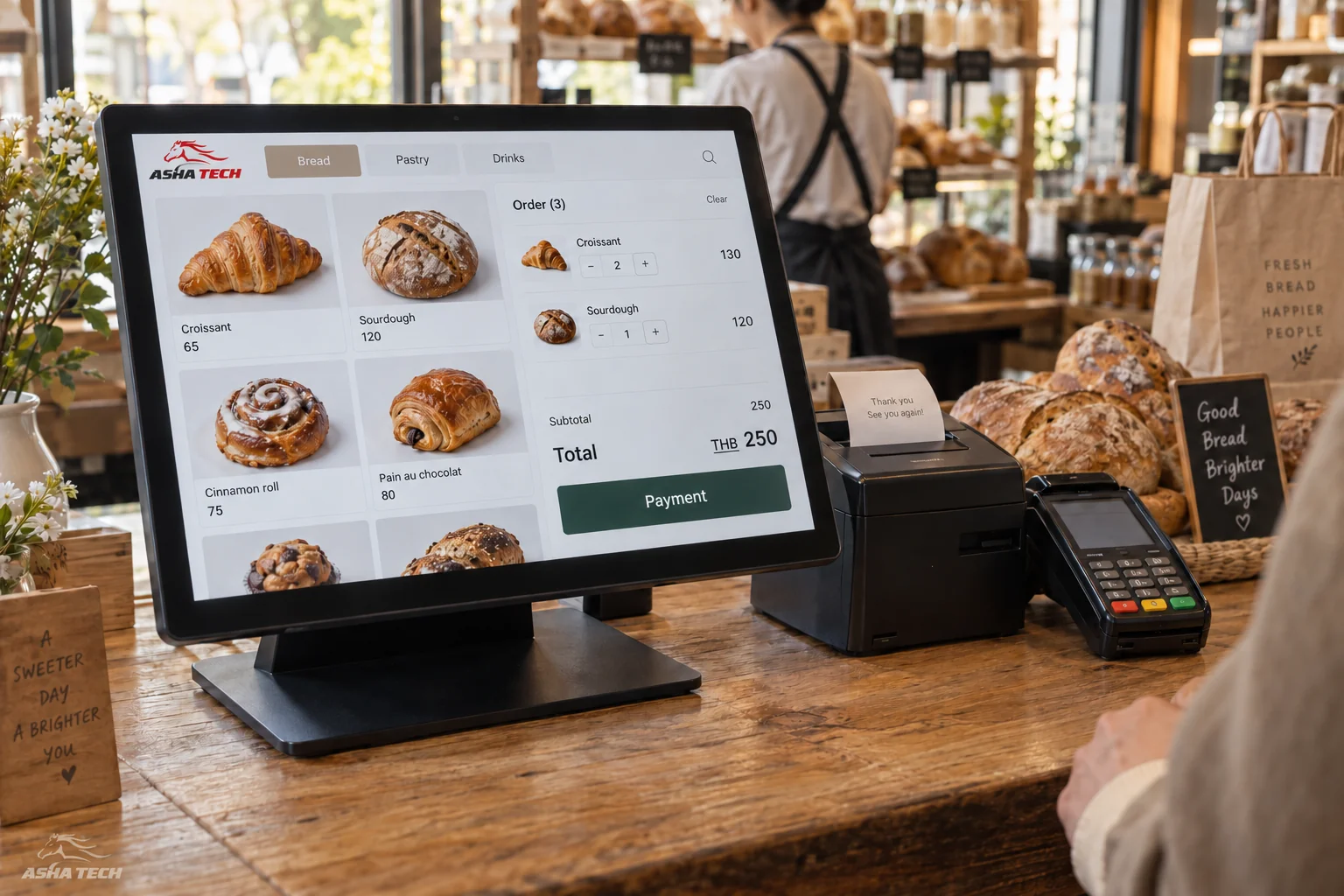
Product search/scanning, cart, discounts, members, notes and parked sales.
Point of sale & inventory / ASHA TECH
Connect checkout, products, pricing, promotions, payments, warehouses and reports so sales and stock use the same data.
What does this system help with?
Connect sales to products, pricing, promotions and warehouses so stock reflects sales, returns and branch transfers.
Design for your equipment and retail team, with discount rights, returns and reconciliation. Offline selling requires a separately assessed scope.
Product search/scanning, cart, discounts, members, notes and parked sales.
Multiple price lists, time windows, product conditions, customer groups, coupons and discount approvals.
Cash, transfers, QR and split payments, receipts and shift closing as specified.
Receipts, transfers, issues, returns, counts, reorder points and balances by warehouse or branch.
Lot/serial numbers, expiry dates, purchase/sales units and unit conversion.
Sales, bestsellers, gross margin, stock balances and APIs to ERP or accounting.
Usage example
Each step passes on the information that matters
so the next person knows what to do.
Scan products and apply eligible prices and promotions.
Issue a receipt linked to inventory movements.
Know sales, stock on hand and items needing review.
Illustrative approach. Details and integrations are assessed against your actual systems and processes.
How we work with you
Design with the people who will use the system, from the first conversation through to launch readiness.
Review today's processes, problems and desired outcomes.
Try the screens and user journey before agreeing on details.
Deliver in stages, gather feedback and test together.
Check data, train users and agree on post-delivery support.
Before we talk
It can be designed for the required devices and work. Screen sizes, browsers, printers and peripherals must be tested on real equipment before launch.
Yes. Separate permissions, stock, prices, numbering and closing periods by branch or warehouse, with consolidated data for headquarters.
Yes, where providers offer suitable APIs and terms. We check callbacks, reconciliation, security and failed-payment scenarios.
Offline mode needs dedicated design because it affects pricing, stock, document numbers and synchronization. Assess the need and risks before defining scope.
Start with your idea
Have an idea or a task a system could help with? Tell our team—no technical vocabulary needed.