Purchasing & suppliers
Purchase requests, quote comparisons, orders, goods receipts, delivery follow-up and supplier evaluation.
Business management system / ASHA TECH
Know whether stock is sufficient, what to purchase and where an order stands. We build ERP around the way your business works.
What does this system help with?
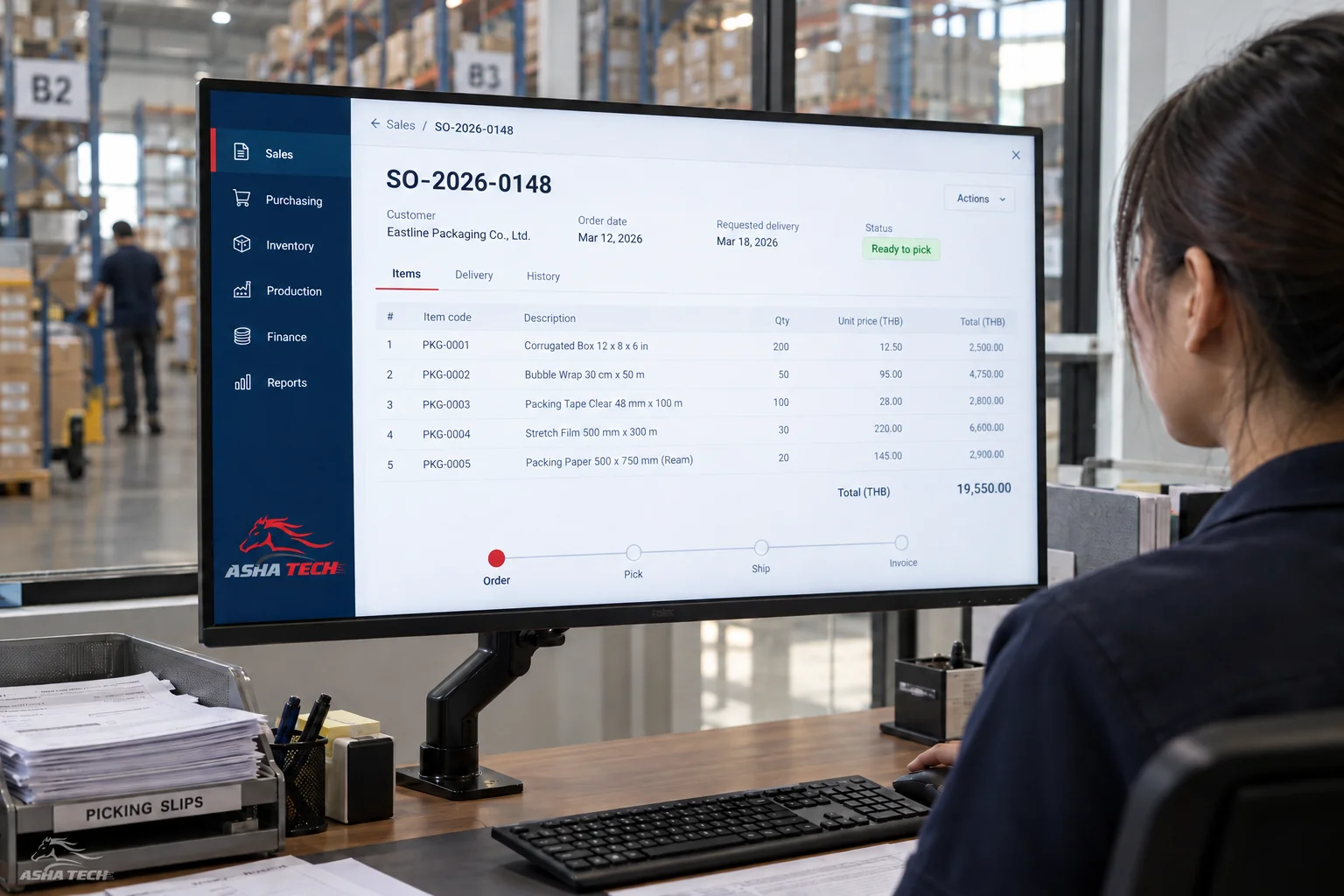
One order can involve sales, inventory, purchasing, delivery and accounting. We connect data and statuses so teams ask fewer repeat questions and know who needs to act next.
Start with a clear pain point, then add production, service or reporting as you are ready. Agree on approval rights and data ownership from the outset.
Purchase requests, quote comparisons, orders, goods receipts, delivery follow-up and supplier evaluation.
Quotations, sales orders, pricing, credit, delivery, billing and status tracking.
Multiple warehouses and units, lot/serial tracking, transfers, issues, counts, reorder points and stock valuation.
Production plans, materials, output, defects, quality checkpoints, installation and maintenance.
Role-based permissions, approval sequences, change history and reasons for amendments.
Role-specific summaries with detail views linked to source documents.
Usage example
Each step passes on the information that matters
so the next person knows what to do.
Sales knows the price, customer and delivery date.
The warehouse checks and reserves stock or sends a purchasing request.
Reference sales documents, issue bills and track payments.
Illustrative approach. Details and integrations are assessed against your actual systems and processes.
How we work with you
Design with the people who will use the system, from the first conversation through to launch readiness.
Review today's processes, problems and desired outcomes.
Try the screens and user journey before agreeing on details.
Deliver in stages, gather feedback and test together.
Check data, train users and agree on post-delivery support.
Before we talk
No. Start with a clear problem and essential connections, such as sales–stock–purchasing. Add accounting, production or services as data and users are ready.
Yes, when the existing system offers an API or an agreed file format. We review data, permissions, frequency and failure handling before estimating the work.
Define the required master data, clean it, map codes, trial the import, reconcile totals and set a clear cut-off plan. Duplicate or unowned data should not be migrated automatically.
It depends on workflows, permissions, reports, integrations and data quality. A reliable timeline follows discovery, with delivery divided into milestones.
Start with your idea
Have an idea or a task a system could help with? Tell our team—no technical vocabulary needed.