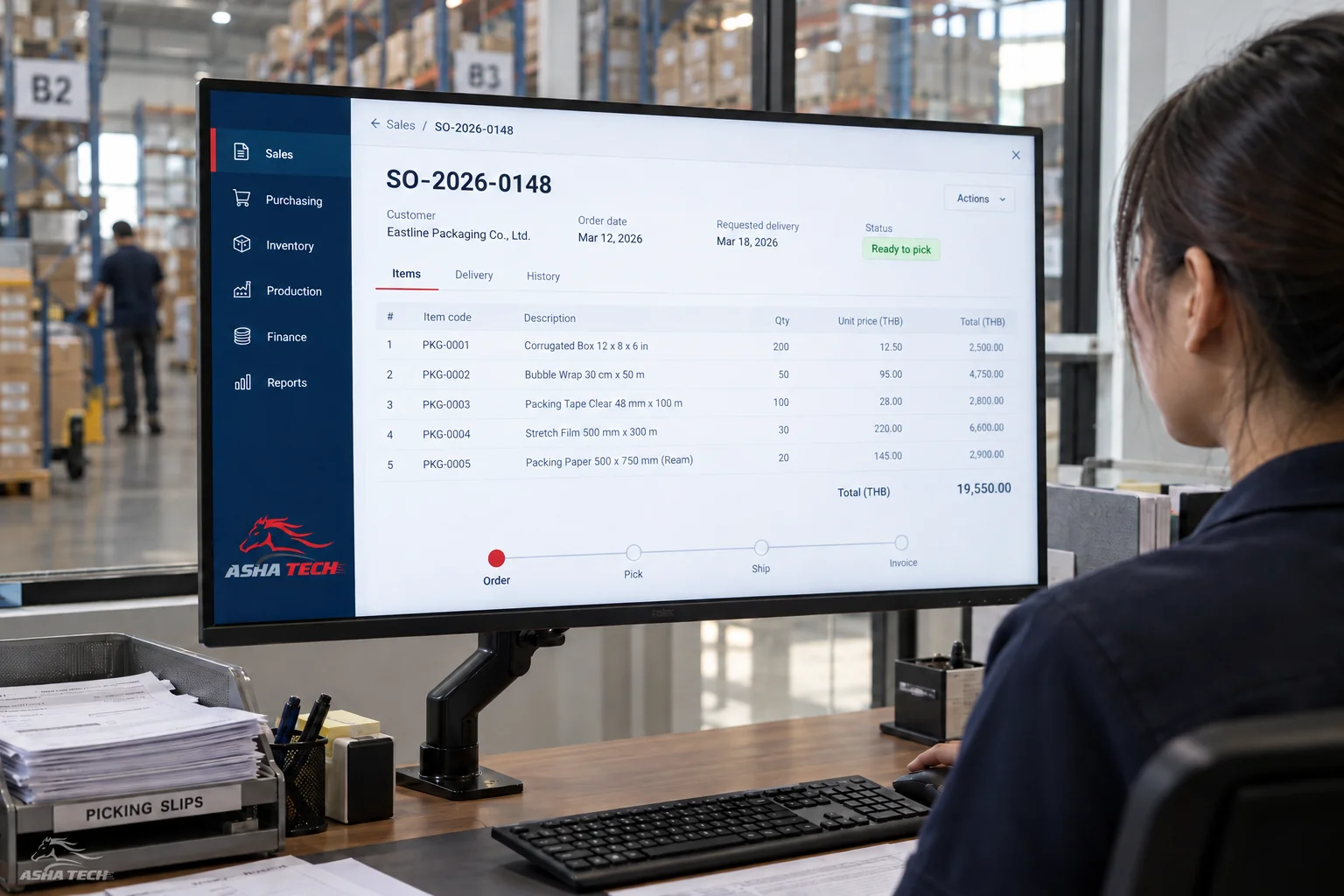
Start with one workflow that clearly affects your business, such as order to delivery. Connect all essential data before adding more modules.
ERP connects teams through shared data: sales takes an order, the warehouse checks stock, purchasing replenishes it, and accounting follows payment. Each team has its own screens referencing the same transaction.
The first decision is which work to connect. You do not need every module at once; people and data must be ready together.
Signs that work needs a system
Check how often these problems happen and how long they take to resolve. Use this to choose a starting point and compare results after improving the system.
- You must ask several people to find an order's status.
- Sales and the warehouse give different stock figures.
- The same data is entered into several files.
- Approvals are chased in chat, with no clear next owner.
- Reports arrive too late for operational decisions.
Start from a real problem
Map one complete workflow and mark where information gets stuck. These examples connect common problems to the system areas worth considering.
| Problem | Where to start | Data to prepare |
|---|---|---|
| An order arrives, but the delivery date is unclear. | Sales + warehouse + delivery | Products, reservations and delivery schedules |
| Stock shortages or duplicate purchases | Warehouse + purchasing | Stock balances, suppliers and lead times |
| Slow debt and document follow-up | Sales + receipts + accounting | Credit terms, outstanding documents and payments |
| Unclear production progress | Production + materials + warehouse | Production steps, bills of materials and owners |
Example: from order to delivery
Sales confirms products, quantities and dates. The warehouse checks available stock and sends shortages to purchasing. After dispatch, every team sees the same references and status.
The first phase should cover normal and real exception cases: partial deliveries, cancellations and returns. Otherwise teams may revert to separate files when something goes wrong.
What to prepare for a developer
Bring examples with sensitive data removed. A long document is unnecessary; show who does what and what you want to change.
- Examples of incoming and outgoing documents
- Reports used for decisions
- Who creates, checks and approves each item
- Systems to retain and data to migrate
- Three to five main problems with recent examples
How to know the first phase is enough
Assign data owners and test users, with agreed acceptance criteria—for example, tracing orders through delivery or reconciling stock movements with documents.
After launch, review remaining real-world problems before extending the system. The goal is continuous use of shared data.
Which work is repetitive, slow to reveal status or loses information at handover? Discuss that before choosing module names.