Choose based on real user behavior and required capabilities. The first version should complete a key journey and give your team tools to continue the work.
Websites are easy to open by link. Apps offer another option for frequent use or mobile-device capabilities. The right choice depends on the business and its users.
Describe the journey from discovering the service through completing an action and receiving the result before deciding.
Start with one user group and one task
A customer booking a service, an employee sending field photos and a member checking benefits each need different screens and data.
- Who is the primary user, and where do they use it?
- What should they accomplish?
- How do they work today, and where do they struggle?
- Who takes over after they submit a request?
Compare options against your situation
Do not choose an app just because competitors have one. Consider installation and repeat use, and verify camera, location and notification limits on the chosen devices and channels.
| Need | A starting point to consider |
|---|---|
| Open immediately from an ad or link | A mobile-friendly website |
| Discover services through search engines | A website with clear content and page structure |
| Users return to do the same work regularly | Assess an app alongside installation convenience |
| Use a camera, location or peripheral | Test capabilities on the actual target devices |
| Work with unreliable connectivity | Design local storage and later synchronization specifically |
Customer-facing screens need a back office
If customers book in the app, staff need to see the schedule and update status. For orders, staff need to receive them, check stock and report back.
Design customer and staff screens together. Define editable data, permissions and existing integrations from the outset.
Keep version one small, but complete
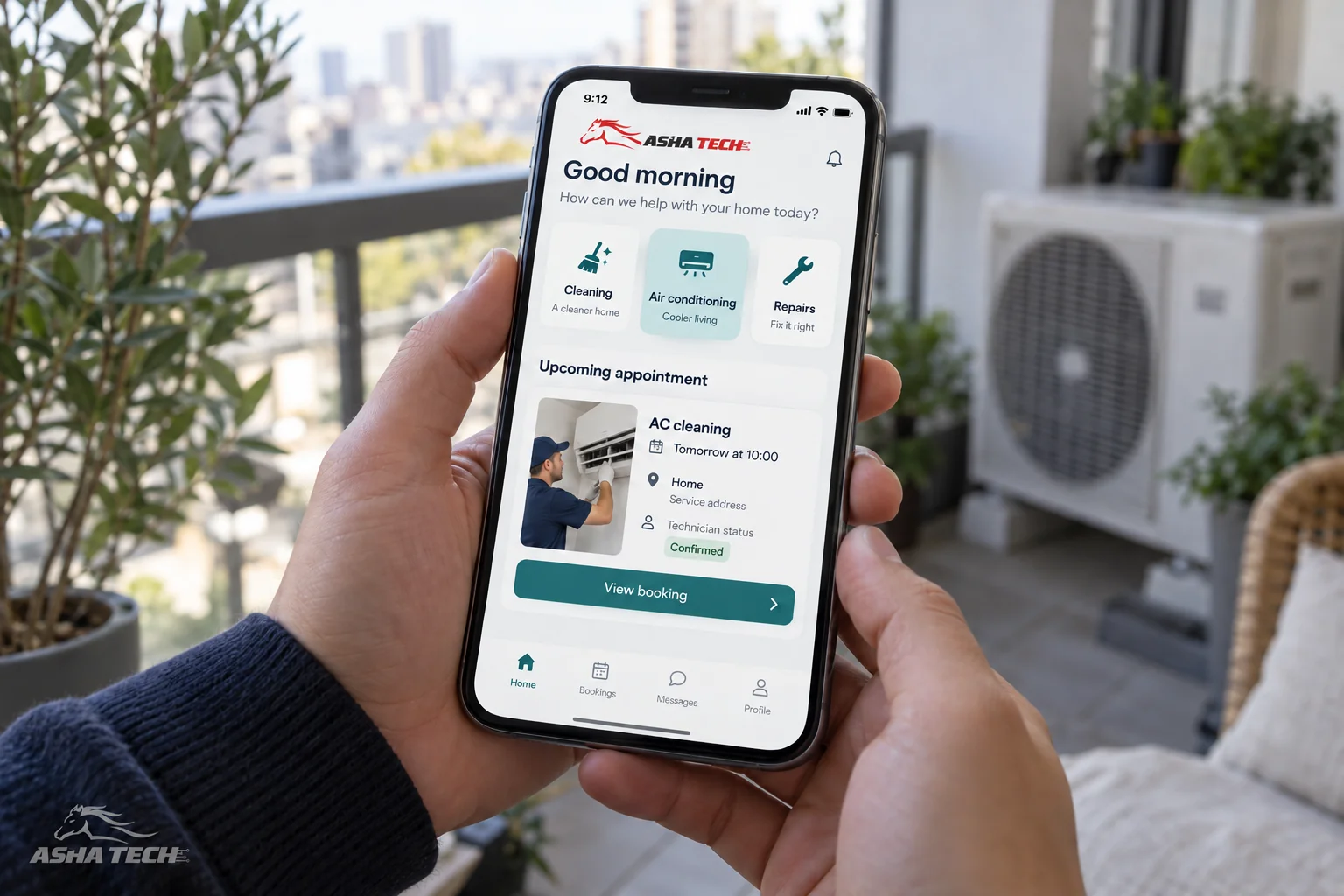
Choose a key journey, such as service selection → time booking → confirmation → status tracking, including failed bookings and cancellations.
Separate essentials from later additions, and try screens with real users before developing every detail.
Prepare a brief before meeting developers
You do not need to choose the technology yourself. Clear users, tasks and constraints help the team ask better questions and estimate the work.
- Examples of services or customer transactions
- Existing systems and data to retain
- Back-office owners and team permissions
- Desired launch timing and priorities
- Maintenance, updates and user contact after launch