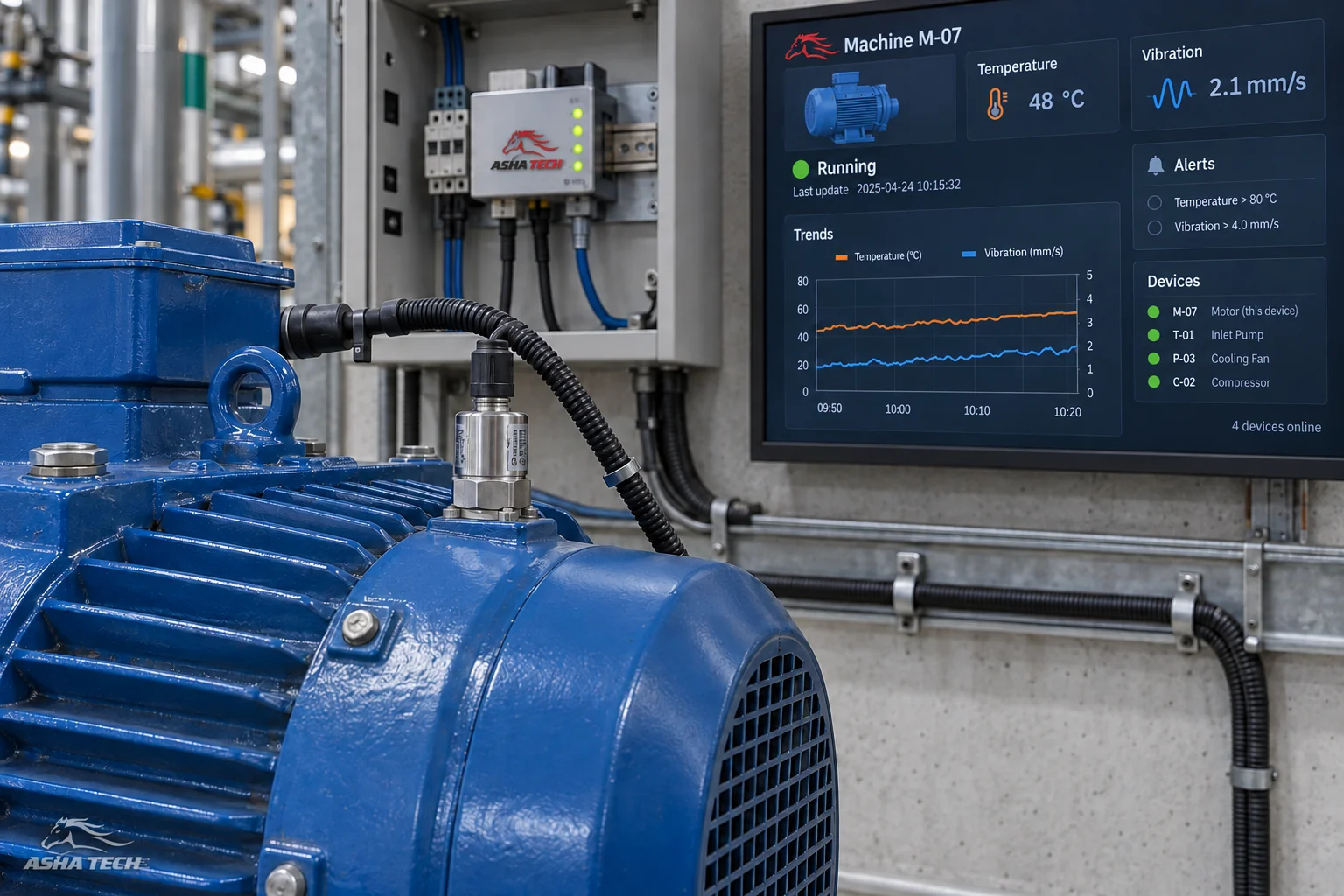
Operational IoT needs the app, board, device, confirmed feedback and a plan for unavailable connections.
IoT connects devices to information systems—reading sensors, checking pumps or controlling a gate from a phone. A successful bench test does not prove continuous operation in the field.
Start with a pilot close to real use to learn the limits before scaling to many devices.
Start with what you want to control or know
Identify who issues commands, sees data and responds to problems: a homeowner opening a gate, building staff checking status or farm staff receiving sensor alerts.
- Do you need readings only, or device control too?
- How fresh must data be to support a decision?
- Where is the installation, and what power and network are available?
- Who responds when a device does not answer?
The app, board and device must communicate fully
The app checks permission and sends a command; the board controls the device. The system should then receive confirmed status through the designed feedback method.
For a gate, “command sent” and “gate open” are different states. Confirming the gate's position requires an appropriate physical feedback method.
| System component | Responsibility | What to check |
|---|---|---|
| App | Issue commands and view status | Permissions, waiting states and errors |
| Control board | Receive commands and operate devices | Power, connectivity and failure behavior |
| Device / sensor | Perform an action or take a reading | Suitability for the site and installation |
| Back office | Store status and history | Data arrival time, alerts and audit history |
Design for days with poor connectivity
Define the display when no fresh data arrives: show the last update time instead of implying a device is healthy, and tell users when a command is still unconfirmed.
Power and signal failures must be handled according to the device and site safety needs. Involve the responsible on-site staff in defining and testing behavior before launch.
Test close to the real operating environment
Start with a manageable number of points. Check placement, dust, humidity, heat and signal quality, and record issues before scaling.
- Compare readings and status against reality.
- Test disconnection and reconnection.
- Verify that unauthorized users cannot issue commands.
- Check how the team discovers and resolves device unavailability.
Plan maintenance before installation
Know each device's location, model, owner and replacement or update process. Provide usable history and issue-reporting tools.
Agree the app, board, device, installation and support scopes separately, with clear ownership of each.